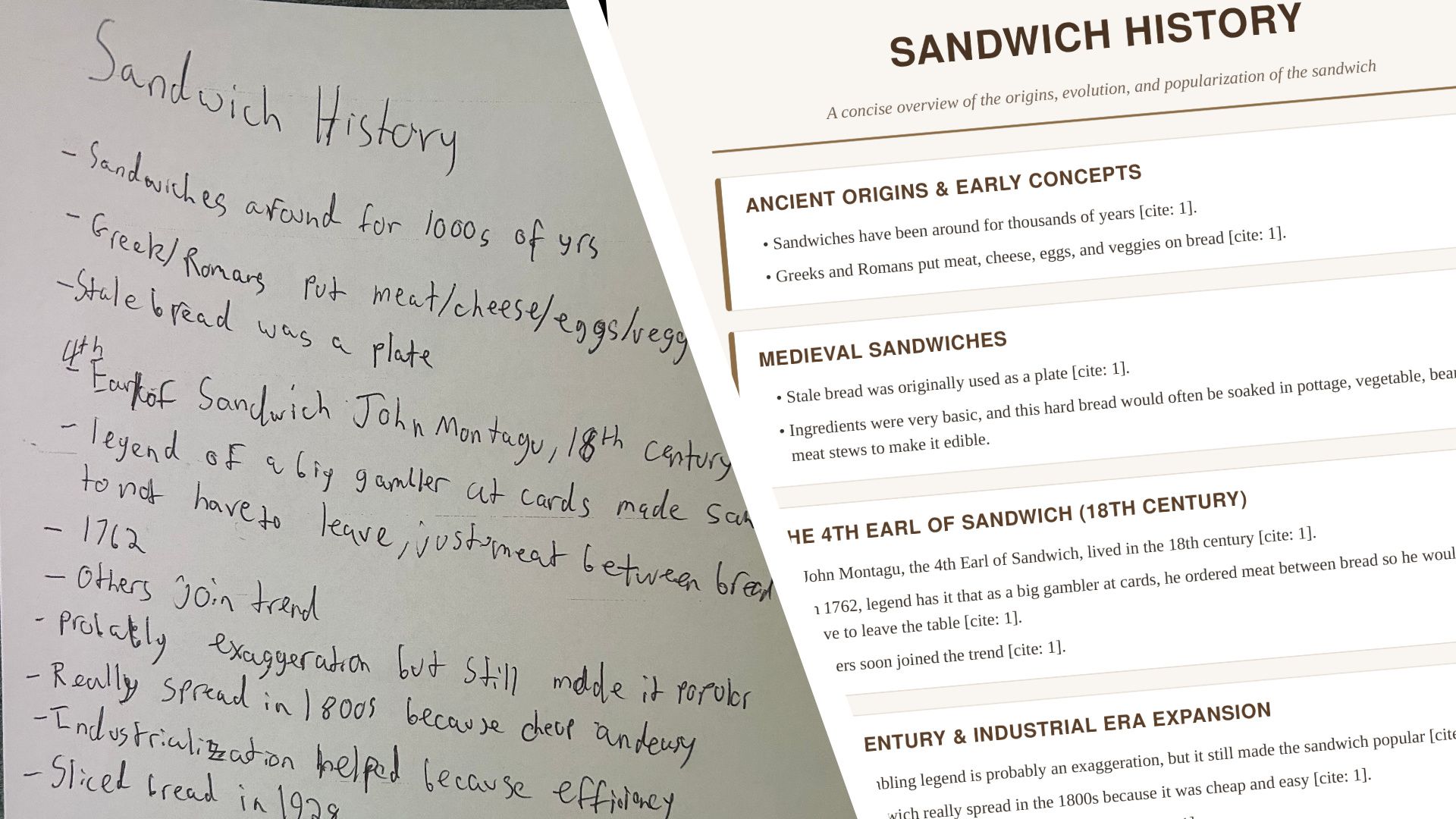
My handwriting has never been particularly well suited to the digital age. It's perfectly readable to me, at least most of the time, but turning a page of hurried notes into something I'd actually want to share usually involves typing everything out again. Google's latest Gemini upgrade promises to eliminate much of that work, offering to create and edit documents, PDFs, spreadsheets, and more directly inside Gemini.
You can generate a file from a prompt and refine it without repeatedly downloading new versions. Any Gemini user can try it out. Just upload a file to Gemini and ask Gemini to transform it into a document.
You can preview it directly in the conversation, expand it to make manual edits, or highlight a particular section and ask the AI to change it. That means a minor correction no longer has to become a lengthy conversation with multiple regenerations of entire documents.
Sandwich history
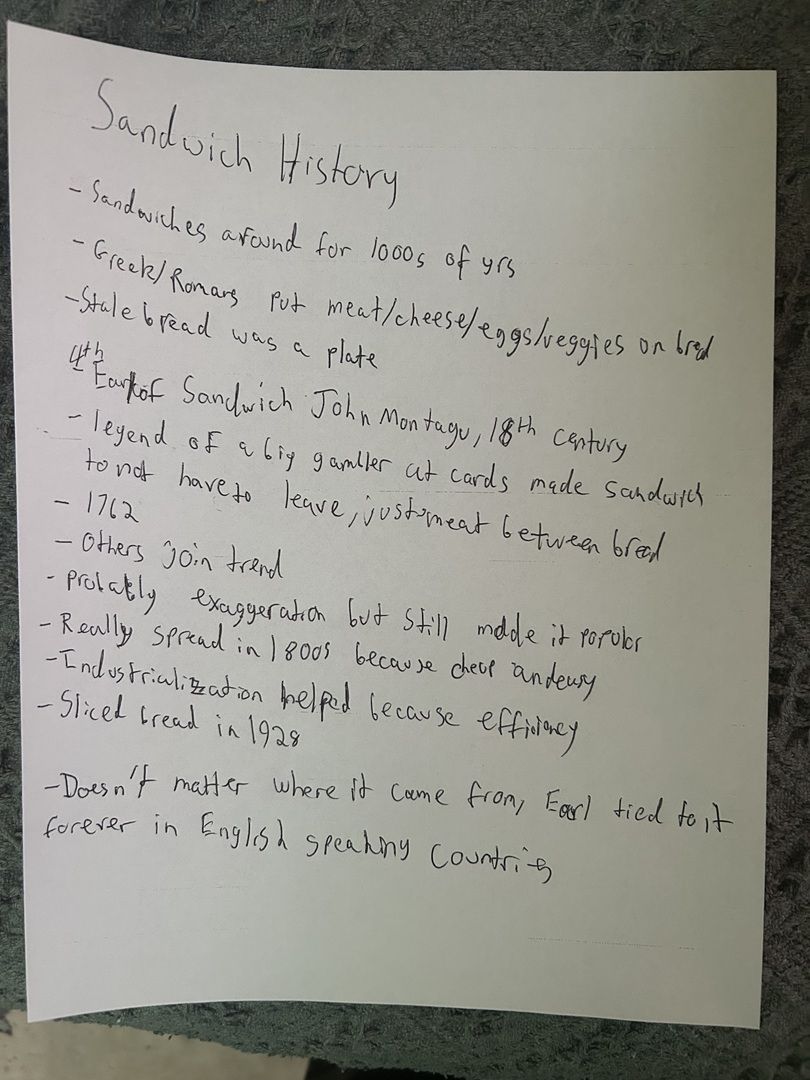
For my experiment, I started by taking handwritten notes during a short presentation about the history of sandwiches. The page covered the ancient origins of putting food on bread, the famous story of the fourth Earl of Sandwich, and the role of industrialization in making sandwiches a familiar convenience. It also included the introduction of sliced bread in 1928, a development that presumably made life easier for everyone except people who preferred cutting their own.
The notes were recognizable as the product of someone trying to write faster than the speaker was talking. I photographed the page and uploaded the image to Gemini, asking it to turn the notes into a neat, readable PDF.
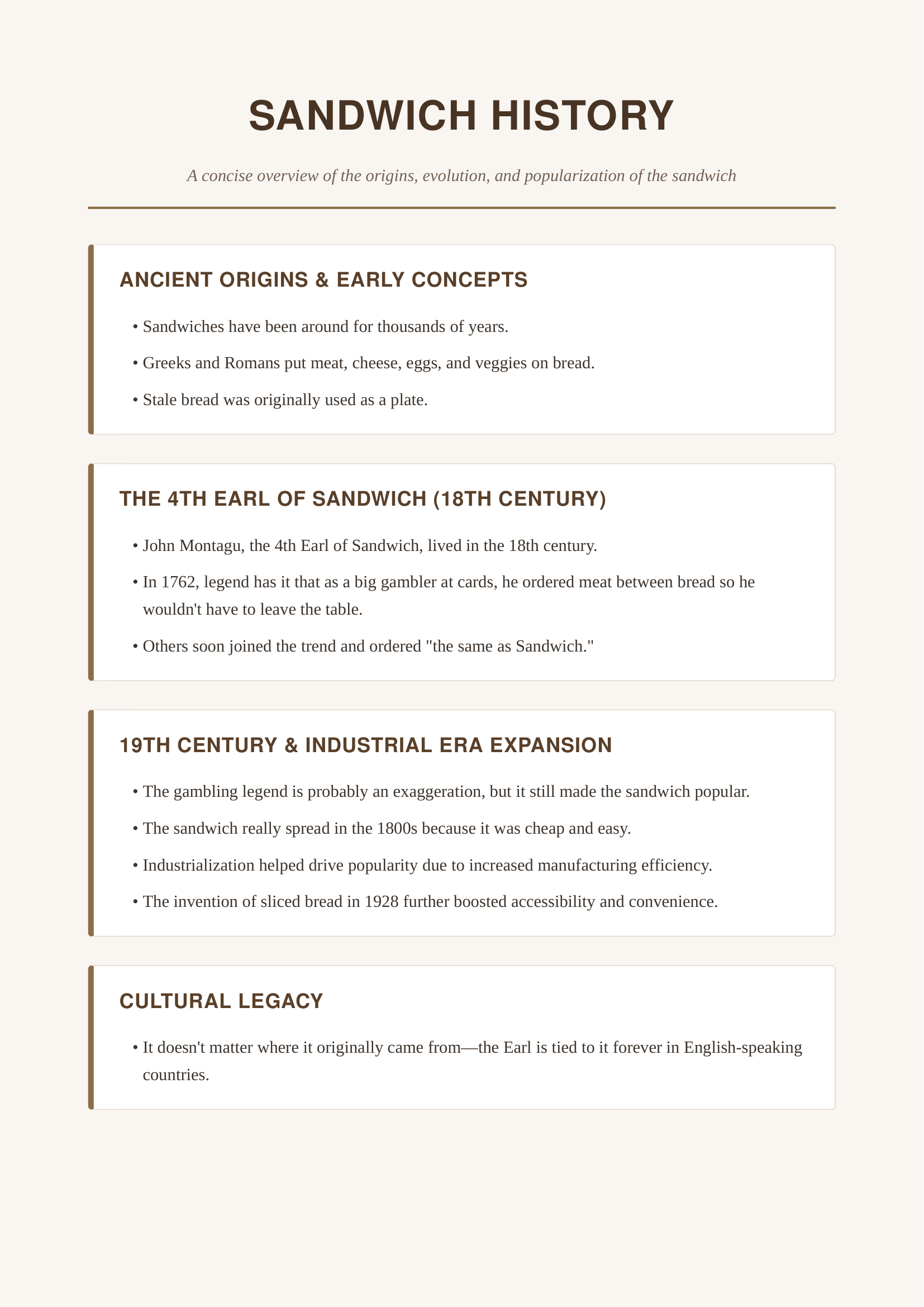
Most importantly, the content largely survived the transformation. Gemini retained the story of John Montagu supposedly ordering meat between bread during a card game in 1762, along with the explanation that sandwiches became popular because they were inexpensive and convenient. It also preserved the important distinction that the gambling story is probably exaggerated, rather than presenting the legend as unquestionable historical fact.
It's easy to see the applications for students, who could photograph handwritten lecture notes and produce a study guide, or a meeting attendee who could turn a page of hurried observations into a document others will understand. You'd still need to check that Gemini has interpreted everything correctly, but it removes much of the tedious retyping that would ordinarily follow.
Revamping the doc
The PDF came out alright, but I wanted to see how the editing performed. I asked Gemini to move the line about medieval stale bread to its own section and add some more detail to go with it, but asked Gemini to otherwise keep it the same.
It did pretty well except for deciding to add visible citation markers that didn't actually cite anything. The document was based on my own notes, but Gemini seemed to think it needed more documentation. That could be fixed in a follow-up, but it was a flaw nonetheless.
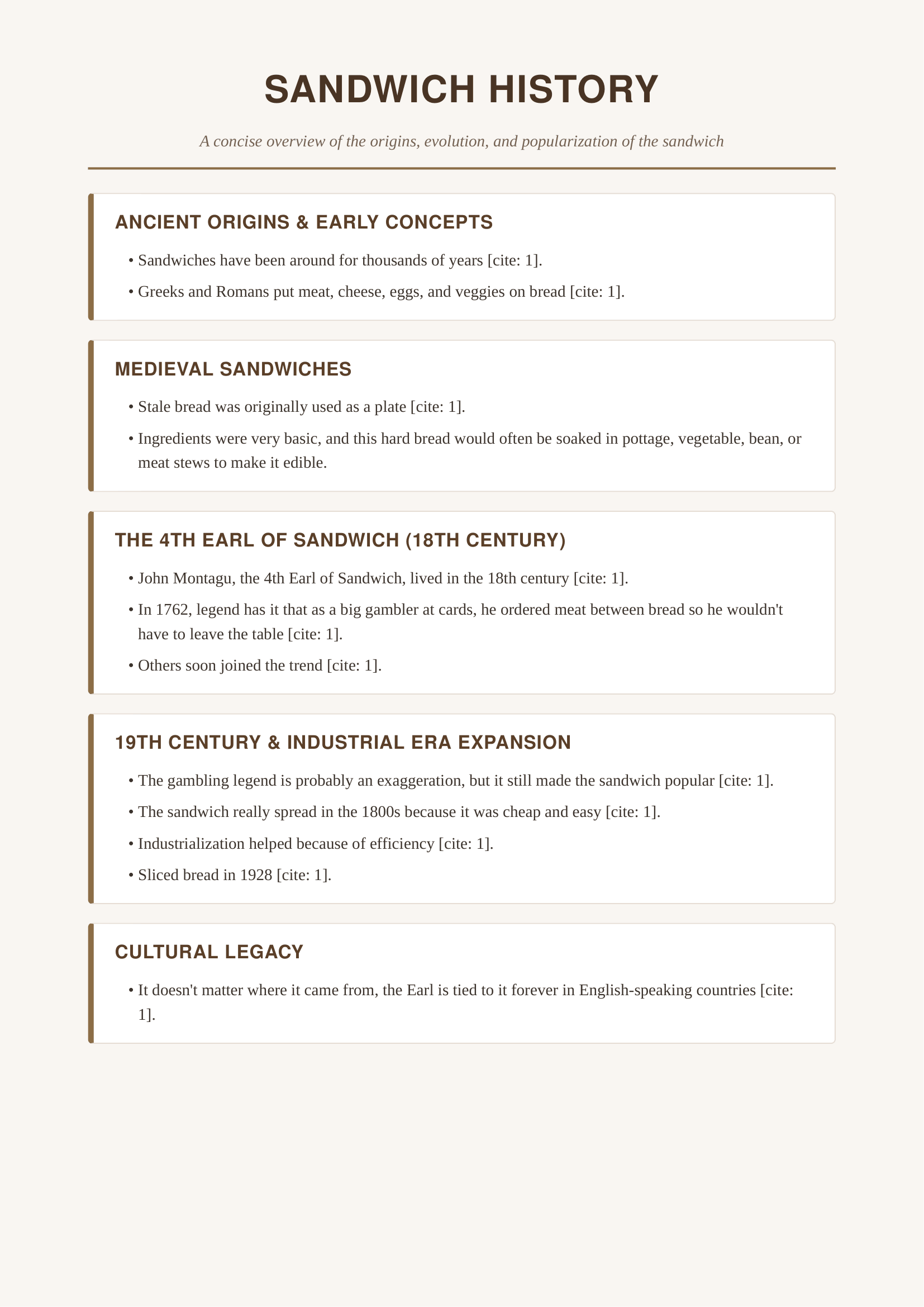
The second version also simplified some of the original wording. The explanation of industrialization became shorter, while the detail about sliced bread was reduced to a brief mention of 1928. None of those changes ruined the document, but they showed how asking AI to improve something can sometimes cause you to lose details you wanted to keep.
For ordinary users, that ability to keep refining a file within the same conversation is arguably more valuable than generating an impressive first draft. The feature won't eliminate the need to proofread, especially when Gemini interprets handwriting or adds information beyond the original material. It can misunderstand a phrase or introduce unsupported details, and a polished layout can make those mistakes easier to overlook. But combining document creation and editing makes the process feel much more complete. Neat and efficient, much like the dream of the Earl himself.


