A Python function is a named block of code that performs specific tasks and can be reused in other parts of your code. Python has several built-in functions that are always available, and you can also create your own. These are known as user-defined functions.
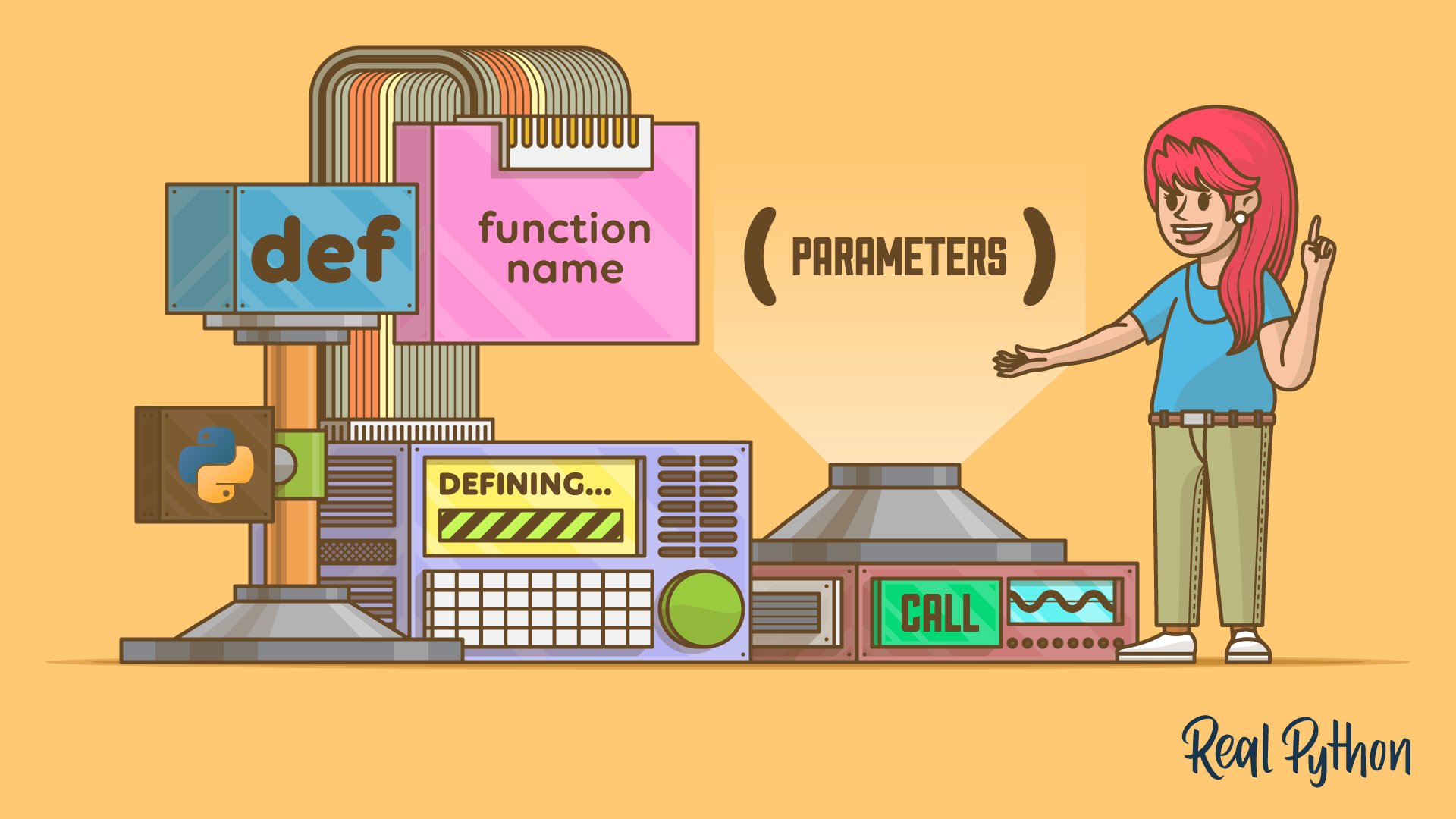
To define a function in Python, you use the def keyword, followed by the function name and an optional list of parameters enclosed in a required pair of parentheses. You can call and reuse a function by using its name, a pair of parentheses, and the necessary arguments.
Learning to define and call functions is a fundamental skill for any Python developer. Functions help organize your code and make it more modular, reusable, and easier to maintain.
By the end of this tutorial, you’ll understand that:
- A Python function is a self-contained block of code designed to perform a specific task, which you can call and reuse in different parts of your code.
- You can define a Python function with the
defkeyword, followed by the function name, parentheses with optional parameters, a colon, and then an indented code block. - You call a Python function by writing its name followed by parentheses, enclosing any necessary arguments, to execute its code block.
Understanding functions is key to writing organized and efficient Python code. By learning to define and use your own functions, you’ll be able to manage complexity and make your code easier to read.
Get Your Code: Click here to download the free Python code that shows you how to define your own function in Python.
Take the Quiz: Test your knowledge with our interactive “Defining Your Own Python Function” quiz. You’ll receive a score upon completion to help you track your learning progress:
Interactive Quiz
Defining Your Own Python FunctionIn this quiz, you'll test your understanding of defining and calling Python functions. You'll revisit the def keyword, parameters, arguments, and more.
Python for Beginners Live Course: Want to practice writing your own functions with an instructor? In Real Python’s Python for Beginners live course, you go from variables and control flow to functions and projects of your own, with live help in a small group. Join the waitlist to hear about the next dates.
Getting to Know Functions in Python
In mathematics, a function is a relationship or mapping between one or more inputs and a set of outputs. This concept is typically represented by the following equation:
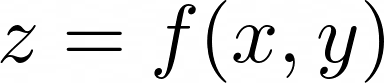
Here, f() is a function that operates on the variables x and y, and it generates a result that’s assigned to z. You can read this formula as z is a function of x and y. But how does this work in practice? As an example, say that you have a concrete function that looks something like the following:

Now, say that x is equal to 4 and y is 2. You can find the value of z by evaluating the function. In other words, you add 4 + 2 to get 6 as a result. That’s it!
Functions are also used in programming. In fact, functions are so fundamental to software development that virtually all modern, mainstream programming languages support them. In programming, a function is a self-contained block of code that encapsulates a specific task under a descriptive name that you can reuse in different places of your code.
Many programming languages have built-in functions, and Python is no exception. For example, Python’s built-in id() function takes an object as an argument and returns its unique identifier:
>>> language = "Python" >>> id(language) 4390667816 The integer number in this output uniquely identifies the string object you’ve used as an argument. In CPython, this number represents the memory address where the object is stored.
Note how similar this notation is to what you find in mathematics. In this example, language is equivalent to x or y, and the pair of parentheses calls the function to run its code, comparable to evaluating a math function. You’ll learn more about calling Python functions in a moment.
Note: To learn more about built-in functions, check out Python’s Built-in Functions: A Complete Exploration.
Similarly, the built-in len() function takes a data collection as an argument and returns its length:
>>> numbers = [1, 2, 3, 4, 5, 6, 7, 8, 9, 10] >>> items = len(numbers) >>> items 10 In this example, the list of numbers has ten values, so len() returns 10. You assign this value to the items variable, which is equivalent to z in the mathematical equation you saw before.
Most programming languages—including Python—allow you to define your own functions. When you define a Python function, you decide whether it takes arguments. You’re also responsible for how the function internally computes its result.
Read the full article at https://realpython.com/defining-your-own-python-function/ »
[ Improve Your Python With 🐍 Python Tricks 💌 – Get a short & sweet Python Trick delivered to your inbox every couple of days. >> Click here to learn more and see examples ]