General
How Much Quality Do You Lose Compressing an Image? We Measured It on 24 Photos
0 views
"Compress without losing quality" is a promise lossy formats can't fully keep — every step of compression trades some fidelity for bytes. The useful question isn't whether you lose quality but how much, for how many bytes saved. So we measured the trade directly.
The method
Across the 24-image Kodak reference suite — the standard set for this kind of test — we saved every photo as JPEG and WebP at qualities 20 through 95, and scored each output on SSIM (structural similarity to the original, 0 to 1) rather than eyeballing it. Every figure below is the mean over all 24 images, so it's not one lucky photo.
Diminishing returns are brutal
The size-vs-quality curve bends hard: the first kilobytes buy almost all of the quality, and after that it flattens into a long tail where you pay a lot for very little.
The clearest example: pushing JPEG from quality 85 to 95 nearly doubles the file — from about 14% to 26% of the original — for an SSIM gain of just 0.025 (0.95 → 0.98). That is double the bytes for a difference most people can't see on most images. The habit of exporting at 95 or 100 "to be safe" is, for photographs, mostly wasted space.
Format beats quality-cranking
Changing the codec does more than turning the quality dial:
WebP is about 30% smaller than JPEG at the same SSIM — 29.6% smaller at SSIM 0.95, 31.9% at 0.97. Same perceived fidelity, a third less weight.
Staying fully lossless costs roughly 7× a quality-85 JPEG. "Keep it lossless to be safe" usually means paying seven times over for bytes no one will perceive.
The practical takeaway
For photographs, the sweet spot is quality 80–85, ideally in WebP. But the honest answer is that the right setting is image-dependent — a flat sky compresses beautifully, fine texture does not — so a live preview beats any single recommended number. Pick the point on the curve where the preview stops changing, not a fixed "95".
Reproduce it
The study is a straightforward encode-and-score sweep over the Kodak set, driven by a short script — point it at your own images and you'll get the same shape of curve. And if you just need to compress something, the image compressor and the rest of the image tools run entirely in your browser with a live preview — nothing uploaded.
Originally published on LK Forge.
Read original: https://dev.to/lucian_lkb_1f009d/how-much-quality-do-you-lose-compressing-an-image-we-measured-it-on-24-photos-18mo
PreviousHow much do u take as a web developerNextHow Much Should You Prepare for an Interview? A Time Budget
Related posts

Recognizing Keystrokes Using WiFi Devices
0Lobsters

Polyend releases the Tracker firmware source code
0Lobsters

eli venn
0Lobsters
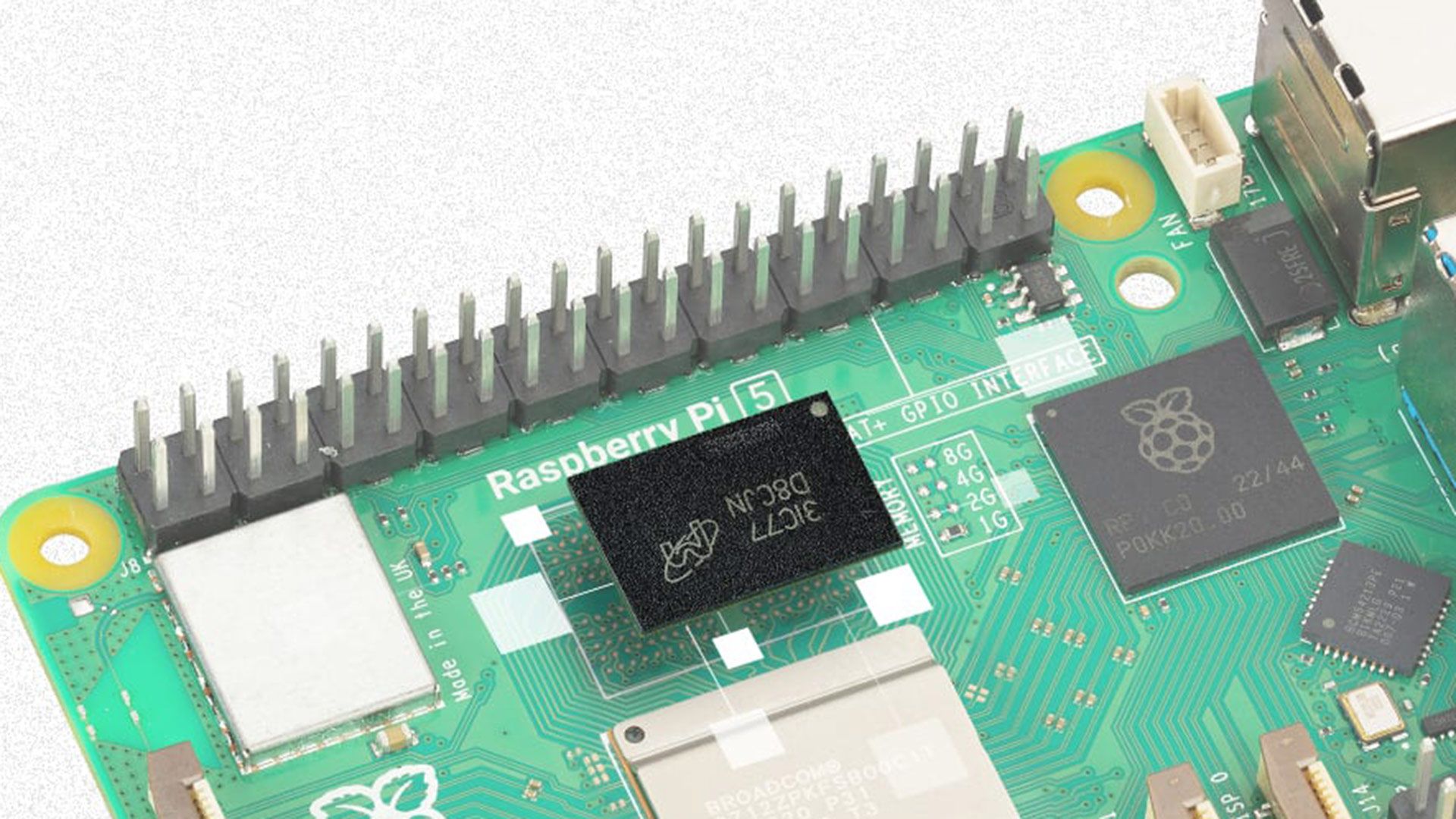
16GB Raspberry Pi 5 hiked to $385, more than triple its launch price — makers are already shifting to Pico/ESP32 for small projects, mini PCs for more ambitious tasks
0Tom's Hardware

The Trump Administration Is Wreaking Havoc on the Electoral System Before the Midterms
0Wired

YouTuber Druski is going to make exclusive content for Netflix
0The Verge