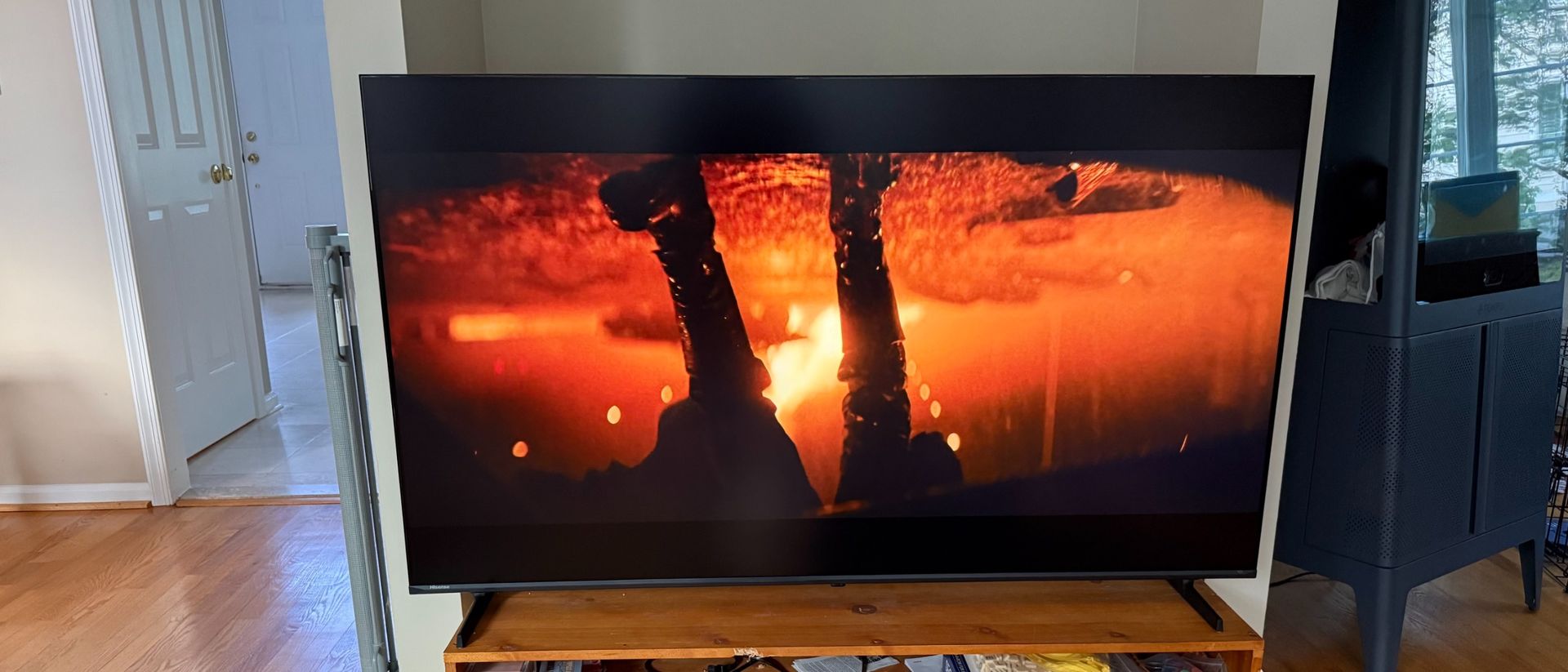
Hisense U6SF Pro: One-minute review
The Hisense U6SF Pro felt like a budget TV reaching for the mid-range when I first unboxed it. After spending some time with it, I think that impression stands. I don’t mean that in a derogatory way, either. If you had $650 for a TV, getting the 65-inch size of the Hisense U6SF Pro is certainly worth it.
That price tag gets you a 4K resolution with a native 144Hz refresh rate, all the HDR and spatial audio support one could want, a Fire TV interface, and Alexa+ built-in. And just to clear the air, the Hisense U6SF Pro does have appreciable if somewhat hidden upgrades over the non-Pro version. The Pro version is a couple pounds heavier, comes with a built-in subwoofer (and has double the speaker wattage) and WiFi 6, and has the pro version of AMD FreeSync Premium and support for DTS Virtual:X.
The Hisense U6SF Pro has most of the bonafides of the best gaming TVs, such as two HDMI 2.1 ports for up to 4K@144Hz refresh rate passthrough support and the aforementioned AMD FreeSync Premium Pro, though I do wish there was a game-specific bar or menu. I can see an argument for putting this model among the best TVs for the price, though it still comes with some compromises, such as some vignetting all along the bottom of the screen and a lack of detail in the shadows.
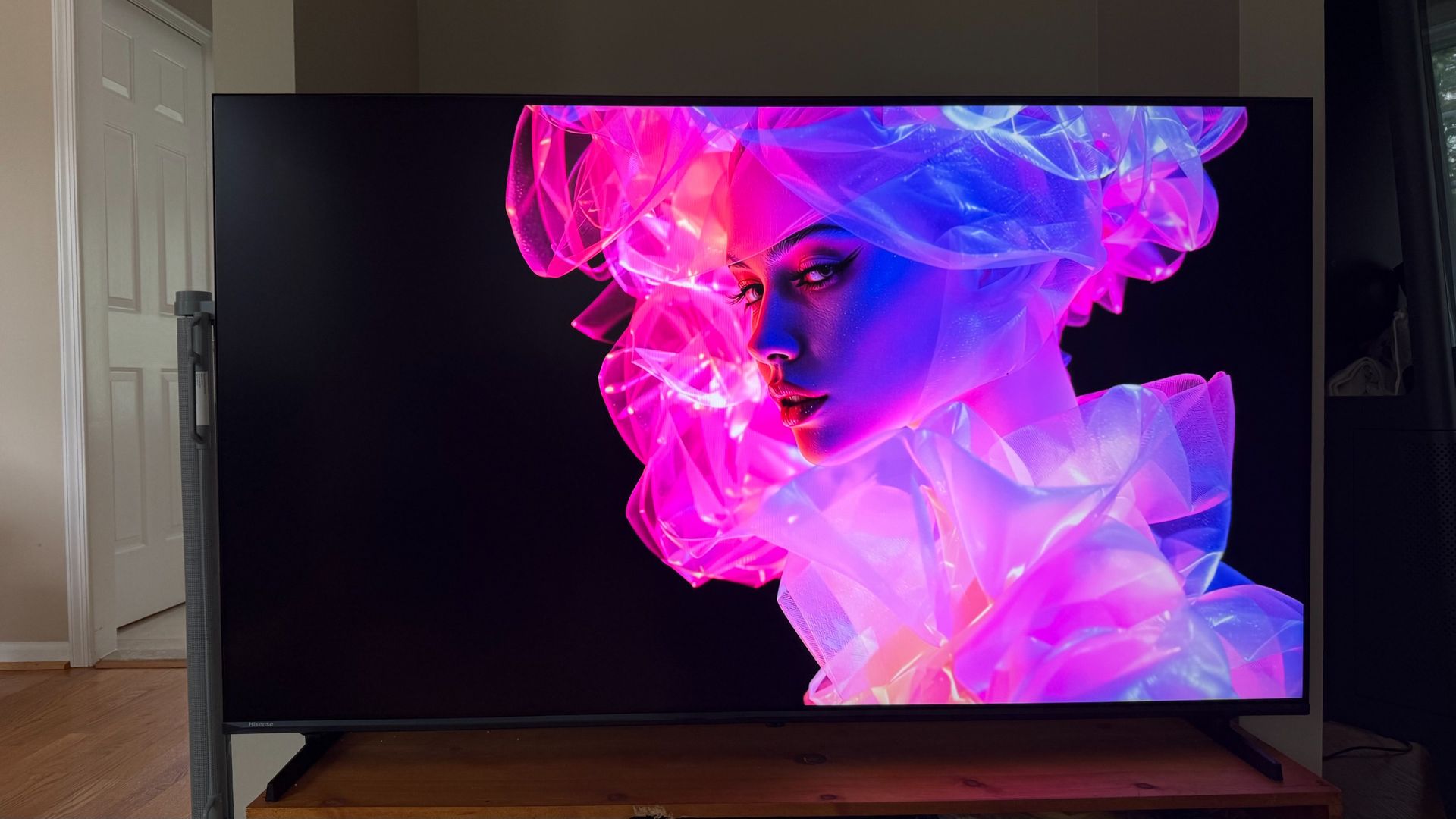
Hisense U6SF Pro review: Price and release date
- Release date? March 2026
- 55-inch: $499.99
- 65-inch: $649.99
- 75-inch: $799.99
- 85-inch: $1,099.99
- 100-inch: $2,299.99
The Hisense U6SF and U6SF Pro, along with the Hisense U7, hit the market in March of 2026. While the listed MSRP of the U6SF Pro is much higher on retail sites like Amazon and Best Buy, where the TV’s “value” at 65 inches is listed at $1,099.99, the actual and consistent prices listed above are what I consider the real prices and are what you’ll actually pay.
With a price range of $499.99 for the 55-inch to $2,299.99 for the 100-inch, the Hisense U6SF Pro really falls right into that area between budget TVs and more mid-range models (most TVs within a couple hundred dollars above or below a grand). And it comes in just about every size one could need, unless you’re looking for a smaller TV. The 55-inch model is the smallest it comes in.
Hisense U6SF Pro Series MiniLED TV review: Specs
Screen type | Hi-QLED Mini-LED |
Refresh rate | 144Hz |
HDR support | Dolby Vision, Dolby Vision IQ, HDR10, HDR10+, HDR10+ Adaptive, HLG |
Audio support | Dolby Atmos + DTS Virtual X, Bluetooth Audio |
Smart TV | Fire TV with Alexa+ |
HDMI ports | 2 HDMI 2.1 ports(4K@144Hz), 2 HDMI 2.0 (4K @ 60Hz) |
Built-in tuner | ATSC 3.0 |
Hisense U6SF Pro Series MiniLED TV review: Benchmark results
Brightness measurements
| Product | HDR Filmmaker Mode (10% window) (nits) | HDR Filmmaker Mode (Fullscreen) (nits) |
|---|---|---|
| Hisense U6SF Pro | 1265 | 713 |
| Hisense U7 | 2866 | 793 |
| Roku Pro Series (2025) | 820 | 373 |

Hisense U6SF Pro Series MiniLED TV review: Features
- Supports all the necessary HDR and spatial audio formats
- Alexa+ works well but isn’t hands-free
- Ambient mode includes options to load personal photos or AI art
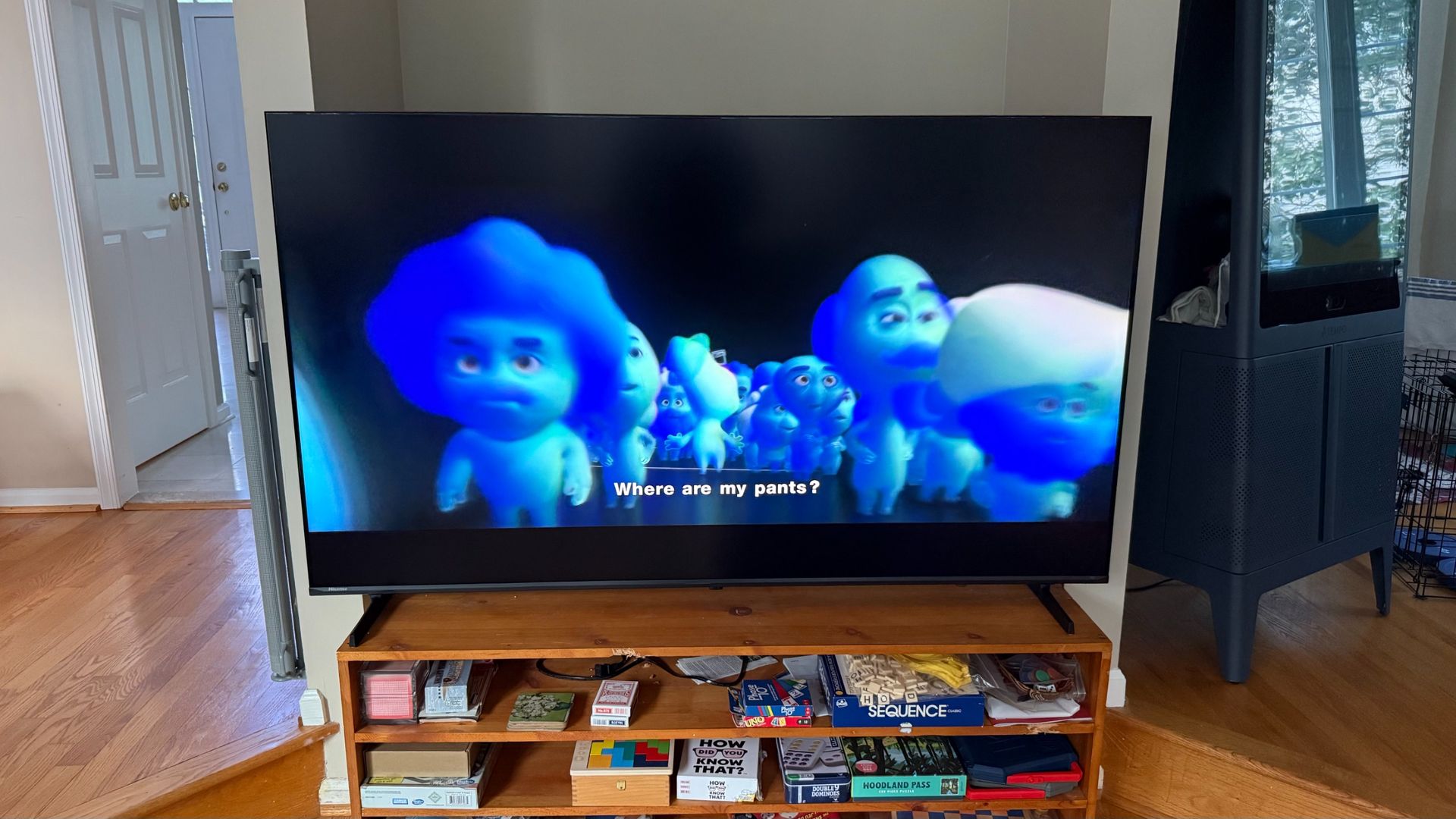
Let’s get the basics in terms of features out of the way. The Hisense U6SF Pro supports the litany of HDR formats one would need including Dolby Vision IQ. It also comes with Dolby Atmos and DTS: Virtual X for anyone wanting or needing spatial audio support. And you can connect to the TV via Bluetooth (whether that’s playing music or connecting a device like a game controller), Apple AirPlay, and Smart Home integration.
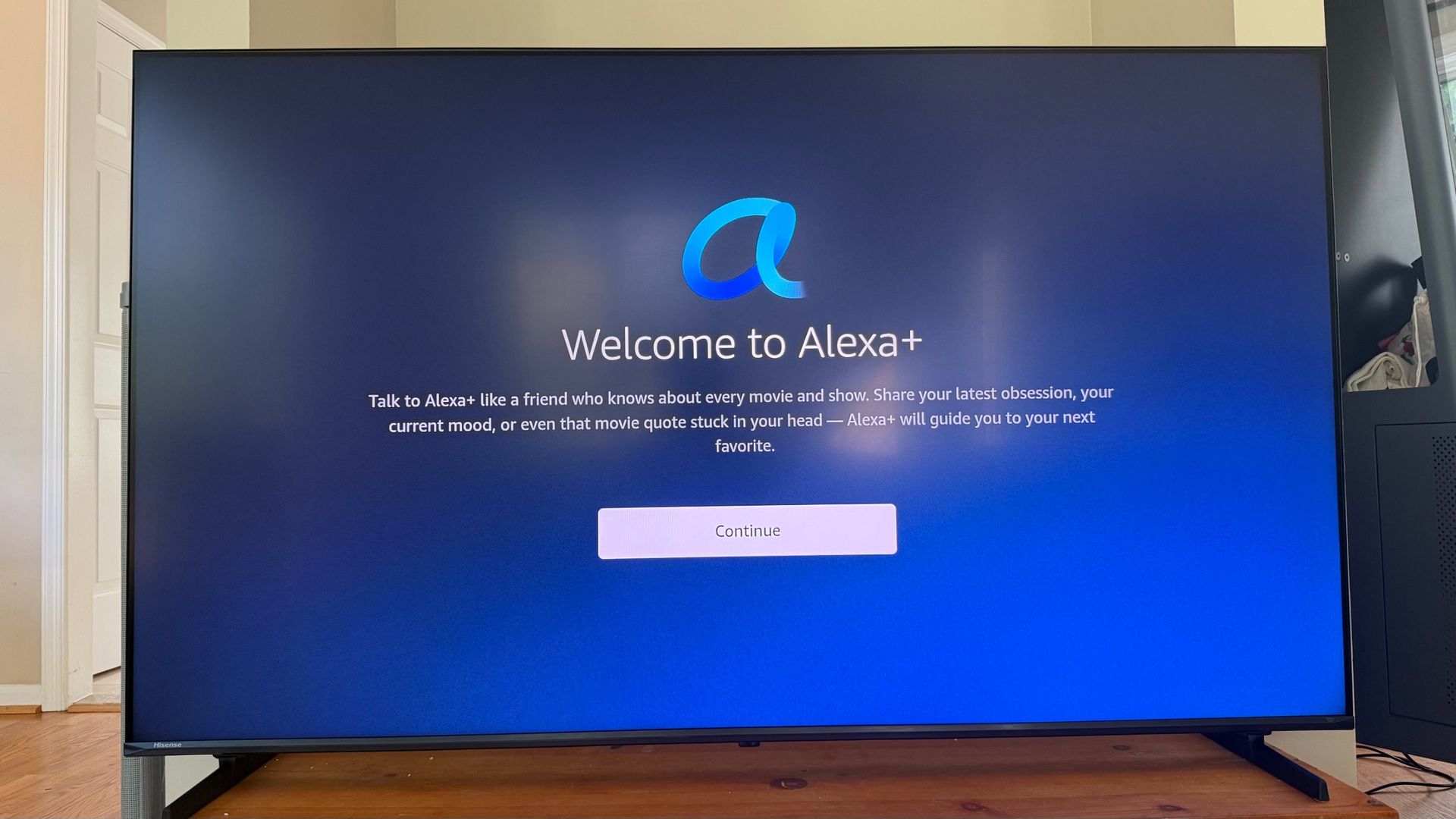
Since the Hisense U6SF Pro is a Fire TV, it comes with Alexa+, Amazon’s AI-powered version of the company’s long-standing voice assistant. One of the places where this TV’s limitations are a little more obvious than slightly more expensive TVs like the Hisense U7 is the fact that, while there is an actual voice assistant on hand, I have to press the mic button on the remote to use it. In essence, there’s no hands-free control here.
As far as using Alexa+, it’s conversational and does one thing that I’ve had issues with on Google TVs and Google Gemini and that is actually play content directly from the home screen when asked instead of bringing me to an intermediary landing page. Sometimes, I don’t want more info. Sometimes, I just want to watch Psych.
Since it is 2026, AI is implemented throughout this TV and not just with Alexa+. For one, it comes with what Hisense calls “Hi-View AI Engine,” which from what I can tell is the same thing as Dolby Vision. Also worth noting that this TV is said to support Dolby Vision IQ but doesn’t have any Dolby-Vision-related settings in its menu (it only pops up as a picture mode when watching certain media), but it does have more generic sounding settings that do the same thing. I assume this is Hisense’s Hi-View AI Engine.
Also implemented on this TV is an AI-powered Ambient mode, a neat feature that I personally don’t get a lot out of, but you might. You can use premade art, create AI-generated art, or upload pictures using the Amazon Photos app.
- Features score: 4.5 / 5
Hisense U6SF Pro Series MiniLED TV review: picture quality
- Not a lot of detail in shadows
- Smooth action; little blooming
- Quite a bit of vignetting
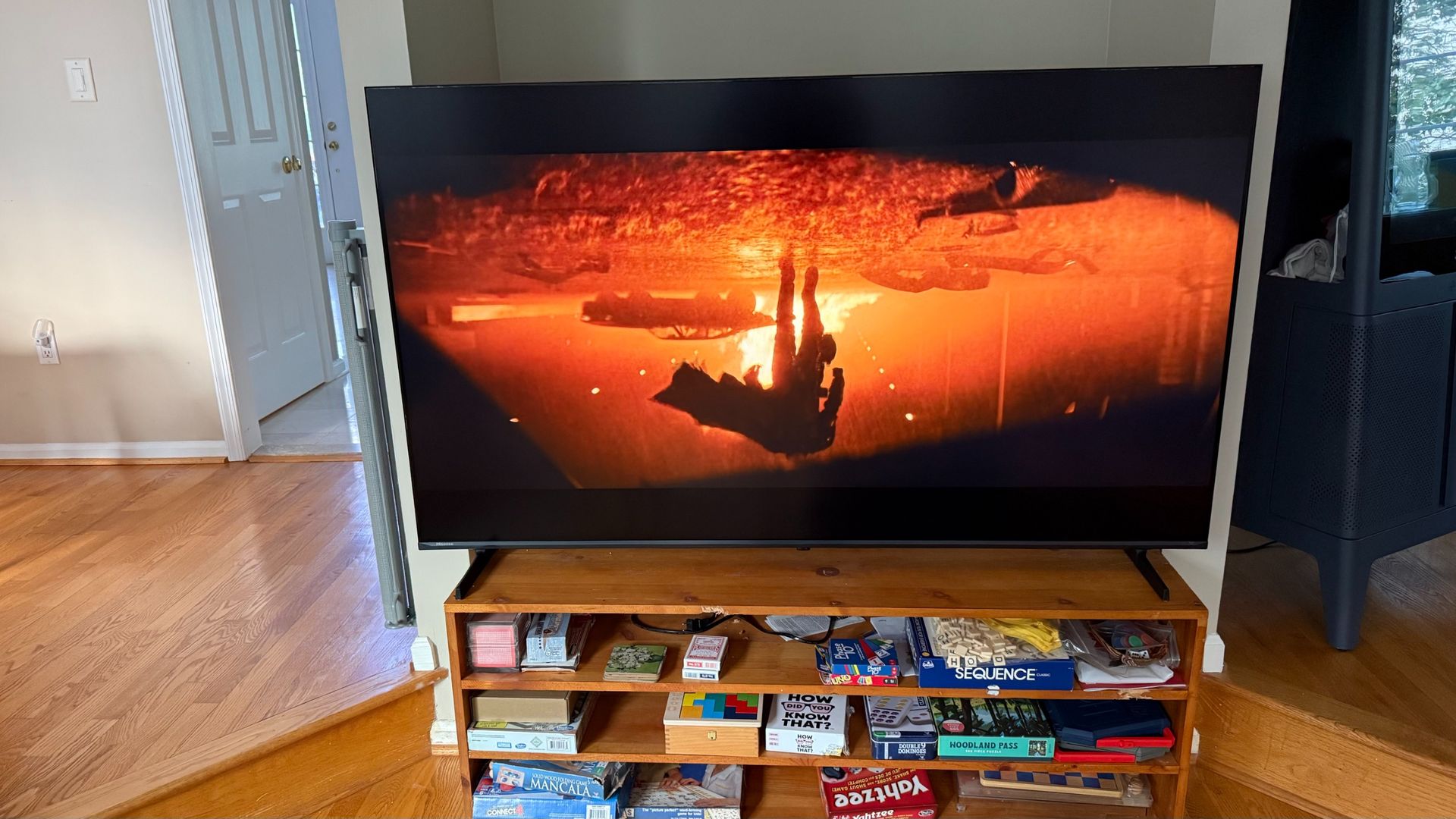
The interesting thing about a TV like the Hisense U6SF Pro is that the picture quality is generally decent but looks a little two-dimensional compared to more expensive TVs. Whether I’m watching Coco, Top Gun: Maverick, or The Batman, the colors are vibrant enough — this TV has around 96% P3 color coverage — for me to feel like I’m seeing everything as intended. Of course, I have Filmmaker Mode and Imax Mode available along with Dolby Vision IQ.
And the action is smooth — something I noticed with my gaming tests as well. The Hisense U6SF Pro has a 144Hz refresh rate that applies to any content capable of taking advantage, including sources coming through the two 2.1 HDMI ports.
Considering that this TV has all the HDR formats one could need as well as a peak brightness of over 1200 nits (at 10% in Filmmaker Mode) in our benchmarks, I was surprised that the screen felt a little flat. That’s because I consider that flatness to be an issue with the contrast.
While a Hi-QLED mini-LED TV, the Hisense U6SF Pro doesn’t have as much separation of detail in shadows, something I noticed most sharply when gaming but I think contributed to the more two dimensional quality of the picture.
That said, the TV did a good job with blooming, as I didn’t notice any of that halo effect show up when watching a bright subject against a dark background.
The one other issue that I noticed with this TV is vignetting, not just in the corners as I’ve seen with TVs in this range, but along the bottom of the screen as well.
- Picture quality score: 4 / 5
Hisense U6SF Pro Series MiniLED TV review: sound quality
- Sounds good enough to skip a soundbar
- Soundstage is pretty narrow
- Dialog enhancer and night mode work well
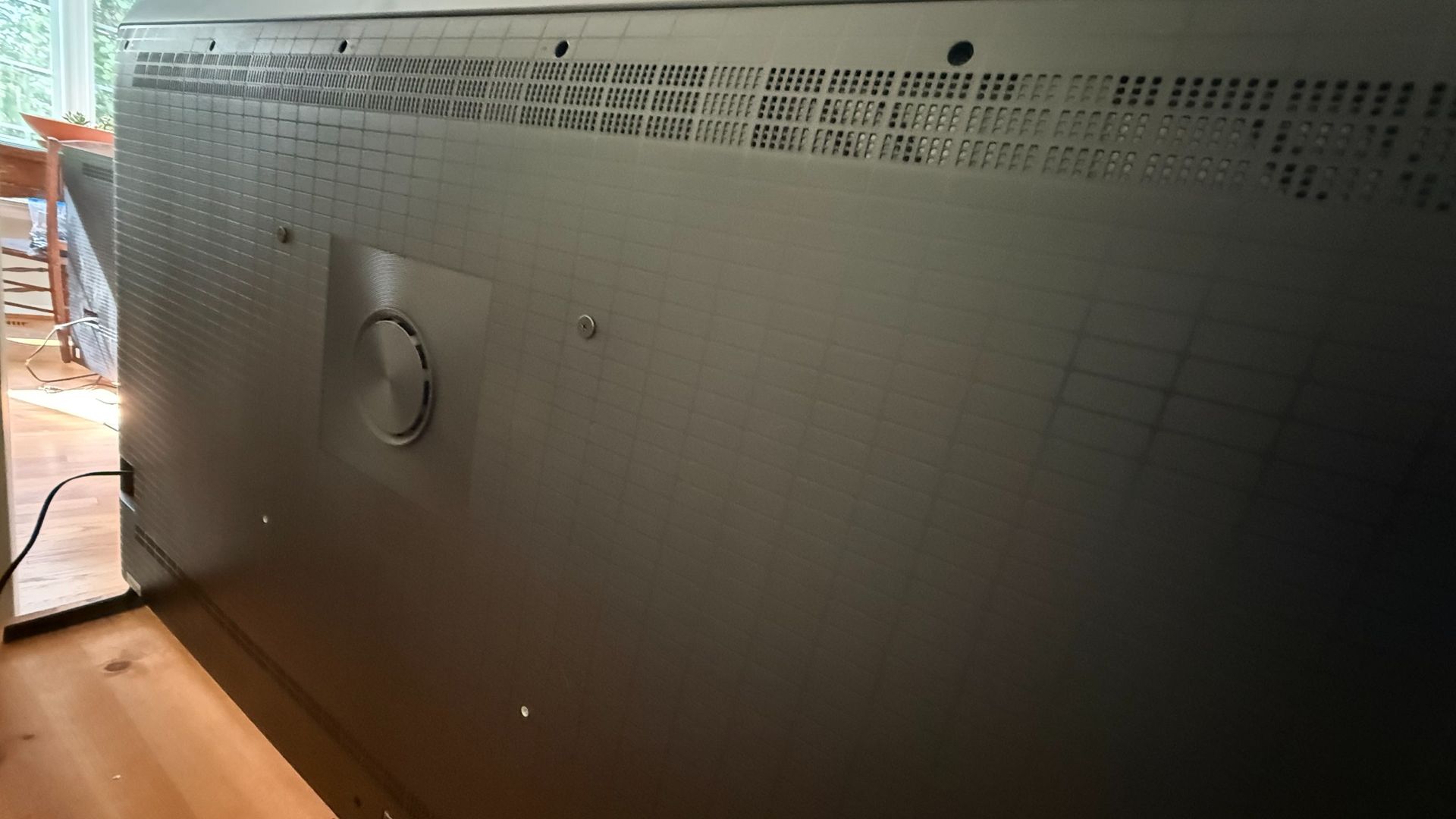
The Hisense U6SF Pro’s sound quality is pretty good. With a 50 watt 2.1 built-in system, it should be good enough to skip a soundbar. And I think it is, within reason. I can hear dialog clearly with whatever I’m watching and there’s a bit of a sound stage where I can hear audio elements go from one side to the other, though it’s only as wide as the TV itself.
Since there’s a built-in sub, you do get some low-end information. For instance, one of the scenes I use to test is the Penguin chase scene in The Batman and explosions had a bit of that low-end rumble that you want when watching an action-packed movie.
I will say that the sound quality won’t reach home theater levels, however, so using a soundbar system with a subwoofer (and surrounds) will still sound better. The sound here, with its crisp highs and balanced mids, will do the job if you don’t want to also invest in a full system.
When deep diving into the settings, I noticed that Devialet has licensed its name to Hisense for this model so you can thank the company for the sound quality here. I also noticed that there’s some Atmos and surround sound virtualization, the latter of which completely removes any stereo separation when on.
There’s also a dialog enhancer that works as intended while not sounding too hinky (this feature can sometimes do that since it’s basically boosting the frequencies where voices typically sit). And there’s also a night mode that does a good job of compressing audio so that you can watch at night without loud sections of audio waking someone up. A five-band EQ is also available, as well as a handful of sound modes.
- Sound quality score: 4 / 5
Hisense U6SF Pro Series MiniLED TV review: Design
- Uses feet instead of stand but are width-adjustable
- Plenty of ports including two 2.1 HDMI
- Anti-glare screen
The Hisense U6SF Pro comes in the usual sizes one would expect from most models these days with its smallest size at 55 inches and its biggest at 100. There are also 65, 75, and 85 inch sizes available.
As far as stands go, the Hisense U6SF Pro has two feet on the outer ends of the TV instead of the center base. While this means that the TV isn’t height adjustable (some stands can be screwed in at different heights), there are a couple places to screw in the feet so that one can have the feet wider or narrower. This is helpful if you have a smaller entertainment console. Just be aware that this particular feature is not available on the 55-inch model.
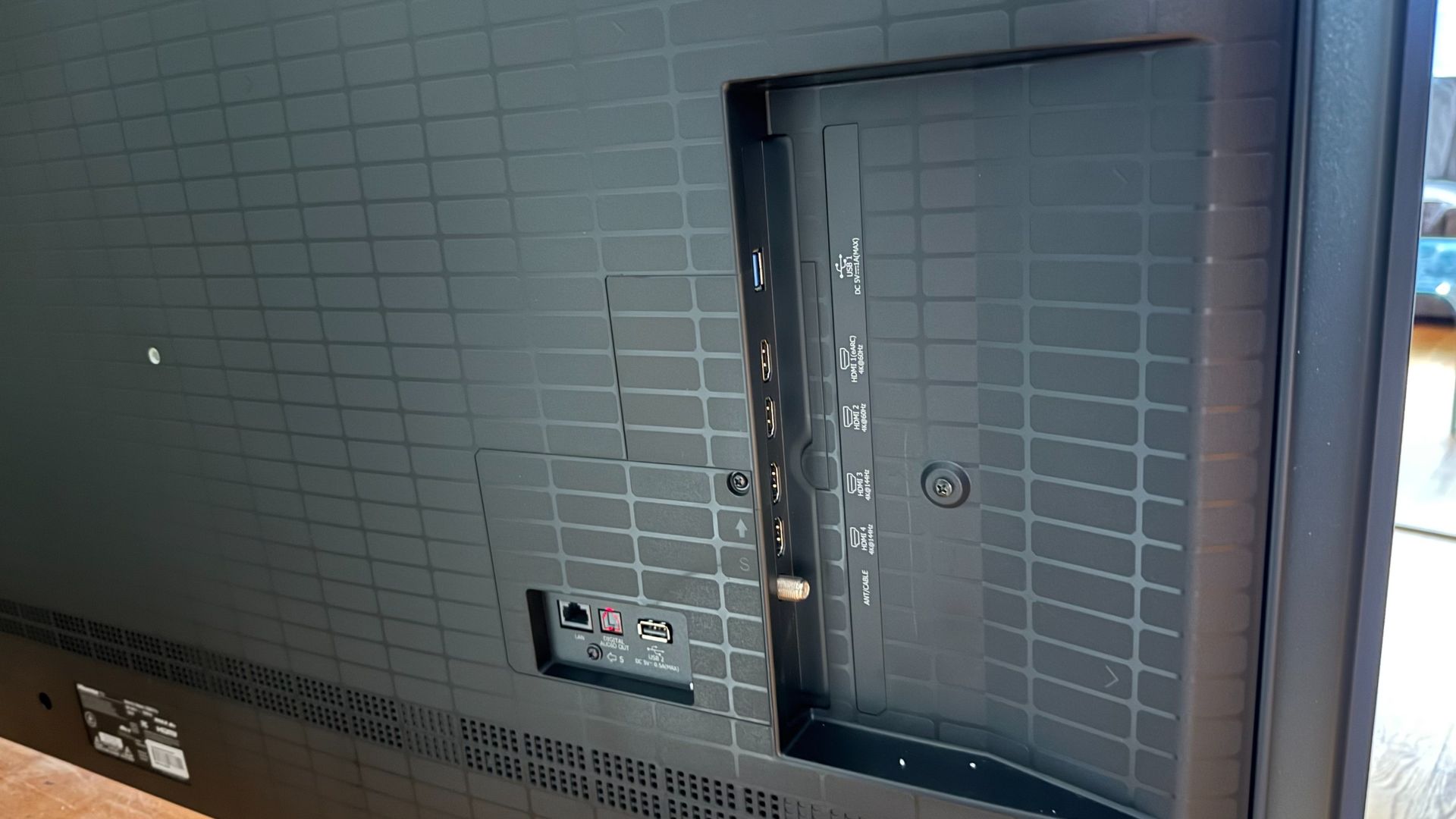
The ports on the TV are more than enough for most people. There are the usual four HDMI ports — two 2.1 that support 4K@144Hz — a single LAN, two USB (one USB 3.0 and one USB 2.0), an optical port, and an RF Antenna port.
While I don’t want to talk too much about the screen here, Hisense does use an anti-glare screen that makes this TV a little easier to watch in a bright room. Also worth noting is that there’s a 2.1 50 watt built-in sound system with an included subwoofer.
- Design score: 4 / 5
Hisense U6SF Pro Series MiniLED TV review: Smart TV & Menus
- Amazon-focused content and ads in interface
- Less free content than expected
- Some menu settings only accessible when playing content
Being a Fire TV, using the Hisense U6SF Pro is going to be a little Amazon-focused. The layout, which is composed of a banner of rotating content followed by rows of suggested content and apps, is littered with ads and content on Prime. Of course, this isn’t new nor is it unique. Whenever I review a Google TV, it’s the same except with Youtube-related suggestions instead of Prime.
The layout itself is one that I think has been broadly adopted because it’s intuitive and lets you navigate to content without having to open an app just to see what’s locked in there. Interestingly, maybe because Amazon wants everyone on Prime, there’s less free content here than I typically find included in an OS. Sure, there’s a Guide app that looks like an old school cable interface with plenty of free content, but that’s about it.
The OSD menu, integrated into the Fire TV OS, seems intuitive to use. However, certain settings, particularly for picture and sound settings, are not accessible through the settings menu in the interface. Instead, you have to press the settings button on the remote when some content is playing to get access to advanced settings. So, if I want to turn on “Intelligent Picture” or change to Filmmaker Mode or Imax Mode (both of which are available on this TV), I need something to be playing first.
- Smart TV & menus score: 4 / 5
Hisense U6SF Pro Series MiniLED TV review: Gaming
- Screen holds gaming back a little, especially with shadows
- No gaming-related menu settings or game bar
- Smooth action thanks to fast refresh rate and a few key features
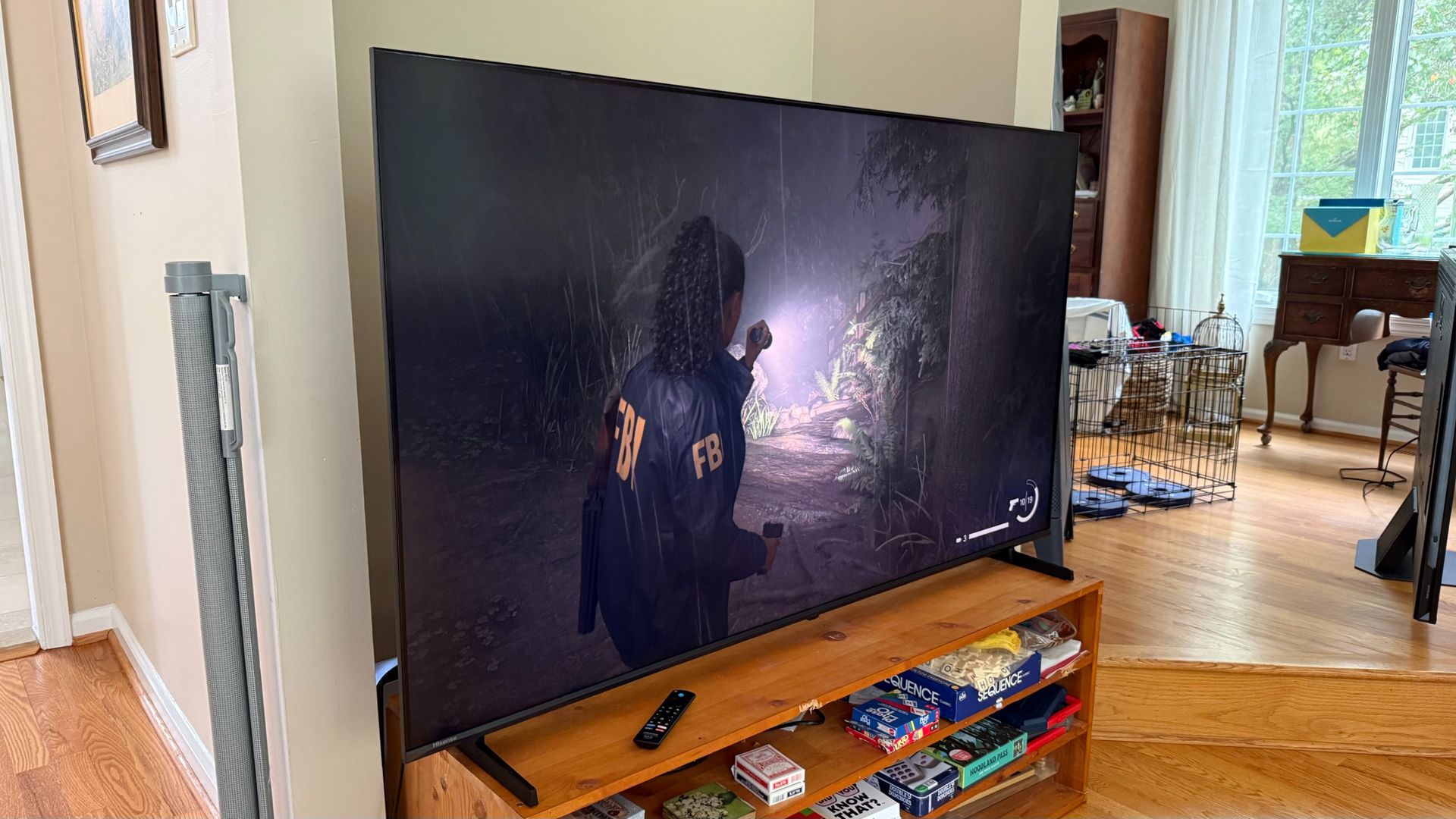
There are only two things that really hold the Hisense U6SF Pro back as a gaming TV. The first are the limitations of the screen that I’ve covered above. For instance, because the Hisense U6SF Pro’s HDR support is good but not up to the standards of a mid-range $1,000+ TV (let alone a flagship TV), there’s less differentiation in shadows so games that are overall just darker or have a lot of shadow are harder to make out what’s happening. On top of that, the colors aren’t quite as vibrant as they are on something like the Hisense U7 that I keep comparing this TV to.
That said, without being able to A/B the way I am, the colors probably won’t bother you, as they still look good. You might have to compensate in the settings for the shadows, however.
The other is the fact that, outside of a Game Picture Mode, there aren’t any gaming specific menus. There certainly isn’t a gaming bar. I would...


