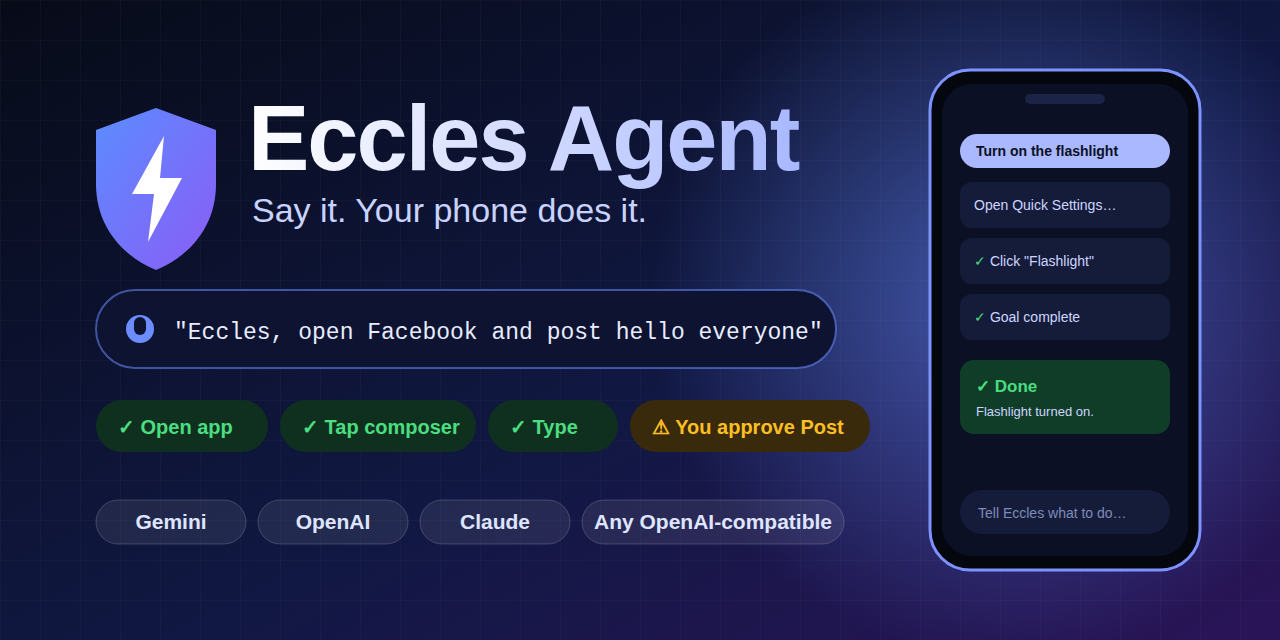
Open-source Android AI agent: say a goal, it taps, types, swipes and opens apps for you. Gemini, OpenAI, Claude. Banking apps off-limits.
tags: android, ai, opensource, showdev
cover_image: https://raw.githubusercontent.com/igwe-starking/eccles-agent/main/docs/media/social-preview.png
I typed one sentence:
"Open Facebook and post I love programming on red background."
My phone opened the app, picked the red background, typed the text, and then stopped to ask my permission before posting.
No script. No per-app integration. Just a sentence.

Meet Eccles Agent: an open-source Android app that operates your phone for you.
⚡ What it can do
If a human can do it on screen, Eccles can try. In my own testing it has:
- 🔦 Flipped system toggles. "Turn on the flashlight" opens Quick Settings, finds the switch and taps it.
- 📘 Posted to Facebook, including picking a coloured background and typing the text.
- 📞 Placed a call by finding a contact, opening it and pressing call.
- 📸 Taken a photo. "Take a picture of my laptop, it's facing the rear camera" opened the camera and pressed the shutter.
- 🚀 Opened apps reliably, even when Android refuses to launch them from the background.

🧰 The toolbox
The model answers with small JSON actions, and Eccles carries them out:
open_app · click · tap · long_press · swipe · type · key · scroll · wait
{ "thought": "Facebook is open; the composer is item 7", "status": "continue", "need_vision": false, "actions": [ {"type": "click", "target": {"index": 7, "text": "What's on your mind?"}}, {"type": "type", "text": "hello everyone"} ] } 🧠 Bring your own brain
Pick the AI you already use and paste your own API key:
- Google Gemini (the default)
- OpenAI
- Anthropic Claude
- Anything OpenAI-compatible: OpenRouter, Groq, DeepSeek, or a local Ollama or LM Studio server
Switch in Settings, then tap Test connection.
🎯 It checks its own work
Android will happily report a tap as "performed" when nothing happened. Eccles counts a node action only if the UI actually reacted. If it didn't, it re-plans from a fresh screenshot instead of blindly retrying and double-tapping a "Like". Screenshots go to the AI only when the screen tree isn't enough, and you choose whether that means never, only when needed, or every step.
🛡️ An agent that can tap anything needs a hard "no"
Safety is the architecture, not a toggle:
- Banking and payment apps are off-limits. They're never read, screenshotted or sent to the AI, and the guard fails closed.
- Password screens stop the task.
- Send, post, delete and buy need your Allow. No answer in 60 seconds counts as Deny.
- A floating Stop button sits on top of every app.
- Your API key is encrypted with an AndroidKeystore key, never stored in plain preferences.

📲 Install it (no computer needed)
Eccles is an Accessibility Service, so on Android 13+ an APK installed from a browser gets its toggle greyed out ("Restricted setting"). The fix takes a minute:
- Install the APK and open it.
- Try to enable the service, then tap OK on the warning.
-
Settings → Apps → Eccles Agent → ⋮ → Allow restricted settings. - Switch the service on.
Or use adb install -r EcclesAgent-1.0.apk from a computer. The README has both routes and a SHA-256 to verify your download.
⚠️ Honest limits
It's an AI driving a UI, so it can get things wrong. Watch the timeline and keep Stop in reach. Whatever is on screen during a task goes to the AI provider you choose. Some apps hide from accessibility. It isn't on Google Play yet.
🚀 Try it, break it, improve it
⭐ https://github.com/igwe-starking/eccles-agent
I built this solo on a low-end Chromebook with no budget. If Eccles Agent makes you grin, you can support the project here: https://paystack.shop/pay/support-eccles-agent-tie1
The question I'd love your answer to: what should an agent like this never be allowed to do?