Python 3.15 is scheduled for release on October 1, 2026, as laid out in the release schedule. The final release candidate is already out, and the feature set is frozen, so now is a good time to see what the new version has in store for you.
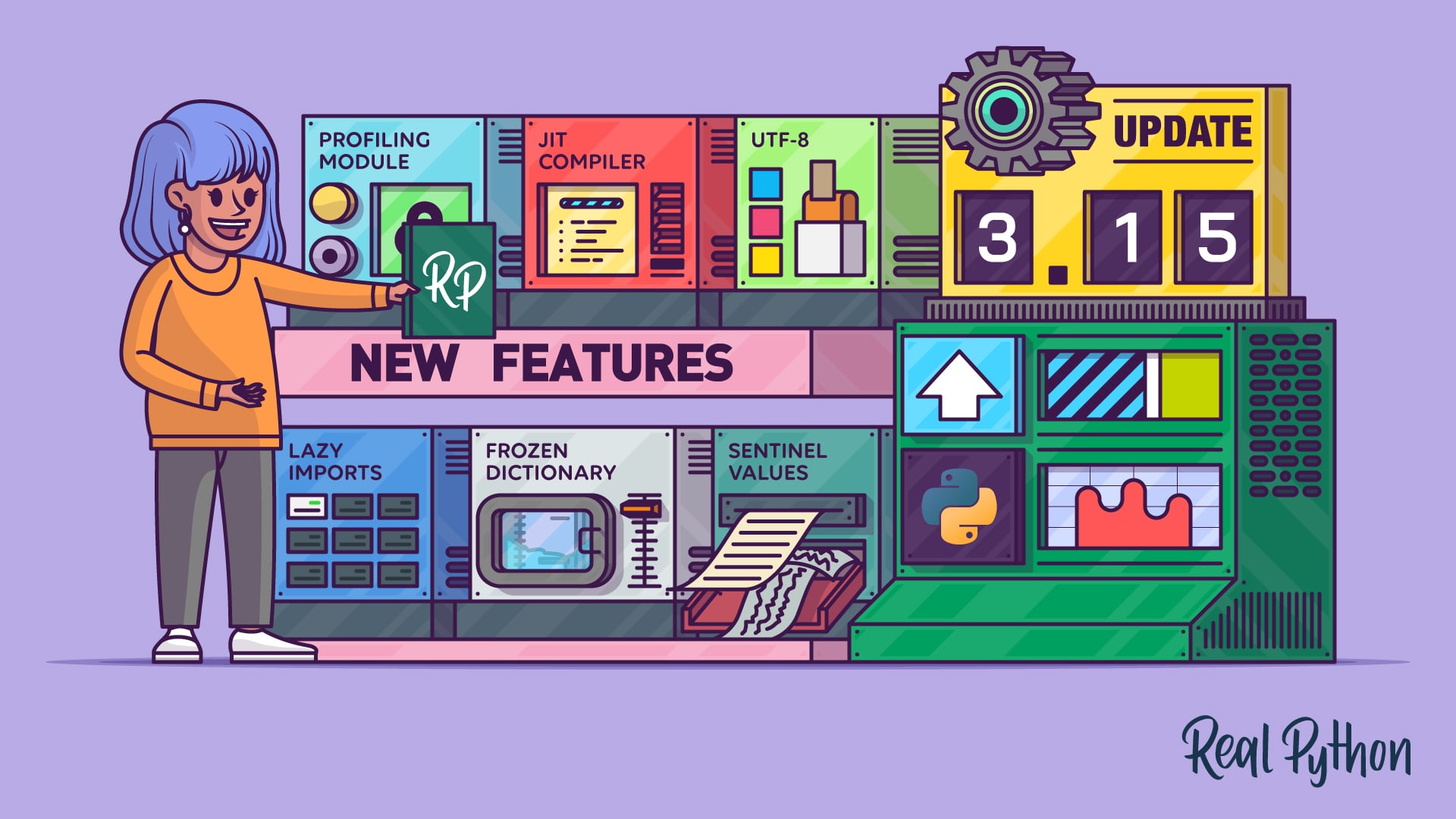
This release trims the time you spend waiting. Imports can wait until you need them, the JIT compiler is faster, and a new profiler shows you where the remaining slow parts hide. There’s also plenty in it for everyday code, including two new built-in types, sharper type hints, and error messages that speak a few other programming languages.
In this tutorial, you’ll explore features like:
- Lazy imports with the new
lazysoft keyword frozendictandsentinel, two new built-in typesTypeFormand closedTypedDicttypes for more precise type hints- A sampling profiler that you can point at a running process
- Smarter error messages and a friendlier REPL
- UTF-8 as the default encoding everywhere
- An upgraded JIT compiler with measurable speedups
To try the examples yourself, you’ll need uv. If you don’t have it yet, then follow the installation instructions first. Once you’ve set up uv, you don’t need to install Python 3.15 by hand because uv downloads the interpreter for you. One command drops you into a Python 3.15 REPL:
$ uv run --python 3.15 python Until the final release lands on October 1, this downloads the newest 3.15 preview release that your version of uv knows about. An older version of uv might fetch an earlier beta, which still runs every example in this tutorial. To get the latest build, and the stable version once it’s out, update uv first with uv self update or through the package manager you used to install it.
The sections below are independent, so feel free to jump to the ones that interest you. Most features come with a short example, either a REPL session or a script that you can run with uv, along with its real output. You’ll explore the static typing features through a type checker instead, and a few under-the-hood changes, like the new Windows interpreter and the garbage collector rollback, get a brief summary rather than a demo.
Six of these features—namely lazy imports, frozendict, sentinel values, the sampling profiler, UTF-8 by default, and the upgraded JIT compiler—already have their own in-depth preview tutorials. For those, you’ll get a short overview here and a link to the full tutorial at the end of each section.
Get Your Code: Click here to download the free sample code you’ll use to try out lazy imports, frozendict, TypeForm, the sampling profiler, and more new features in Python 3.15.
Take the Quiz: Test your knowledge with our interactive “Python 3.15: Cool New Features for You to Try” quiz. You’ll receive a score upon completion to help you track your learning progress:
Interactive Quiz
Python 3.15: Cool New Features for You to TryTest your knowledge of Python 3.15's new features, from lazy imports, frozendict, and sentinels to TypeForm, Tachyon, and UTF-8 by default.
New Syntax in Python 3.15
Two changes introduce new syntax this year. One of them, lazy imports, is arguably the headline feature of the whole release. The other is a small comprehension upgrade that you’ll start using without thinking about it. Both are purely additive, so your existing code keeps working unchanged.
Lazy Import Statements
Every import at the top of a file runs before your first line of code does. For a command-line tool that pulls in heavy dependencies, that can mean a noticeable pause before even --help prints. The usual workaround is to bury imports inside functions, which works but scatters your dependencies all over the file.
The new release offers a cleaner fix through PEP 810. A new lazy keyword lets you keep your imports at the top of the file while deferring the work of importing until you first use the module:
lazy_json.py import sys lazy import json print("json loaded:", "json" in sys.modules) config = json.dumps({"theme": "dark", "autosave": True}) print("json loaded:", "json" in sys.modules) print(config) The lazy import json line binds the name but doesn’t load the module. Only the json.dumps() call triggers the import:
$ uv run --python 3.15 python lazy_json.py json loaded: False json loaded: True {"theme": "dark", "autosave": true} The from form works too, as in lazy from pathlib import Path. Lazy imports are only allowed at module level, so you can’t use them inside functions, class bodies, or try blocks. If you’d rather not edit every file, then the -X lazy_imports=all option makes all imports in a program lazy.
Keep in mind that lazy imports move the cost of importing rather than remove it. A module still loads in full the first time you use it, so a program that ends up touching everything it imports pays the same total price, just later, even with -X lazy_imports=all. The real win comes with short-lived commands, like those that print --help and exit before they ever need most of their heavy dependencies.
Because lazy is a soft keyword, existing code that uses it as a variable name keeps working. The main trap is error timing, because a typo in a lazy import only surfaces at first use. Fortunately, the resulting traceback points at both the line that first used the module and the original lazy import statement.
Note: To learn how lazy imports speed up real command-line tools and when you shouldn’t use them, check out Python 3.15 Preview: Lazy Imports.
Lazy imports change what happens when your program starts. The next feature is much smaller in scope, but you’ll probably use it more often.
Unpacking in Comprehensions
Read the full article at https://realpython.com/python315-new-features/ »
[ Improve Your Python With 🐍 Python Tricks 💌 – Get a short & sweet Python Trick delivered to your inbox every couple of days. >> Click here to learn more and see examples ]


