Python strings are a sequence of characters used for handling textual data. You can create strings in Python using quotation marks or the str() function, which converts objects into strings. Strings in Python are immutable, meaning once you define a string, you can’t change it.
By the end of this tutorial, you’ll understand that:
- The
str()function converts objects to their string representation. - String interpolation in Python allows you to insert values into
{}placeholders in strings using f-strings or the.format()method. - You access string elements in Python using indexing with square brackets.
- You can slice a string in Python by using the syntax
string[start:end]to extract a substring. - You concatenate strings in Python using the
+operator or by using the.join()method.
You’ll explore creating strings with string literals and functions, using operators and built-in functions with strings, indexing and slicing techniques, and methods for string interpolation and formatting. These skills will help you manipulate and format textual data in your Python programs effectively.
To get the most out of this tutorial, you should have a good understanding of core Python concepts, including variables, functions, and operators and expressions.
Get Your Code: Click here to download the free sample code that shows you how to work with strings and character data in Python.
Take the Quiz: Test your knowledge with our interactive “Python Strings and Character Data” quiz. You’ll receive a score upon completion to help you track your learning progress:
Interactive Quiz
Python Strings and Character DataThis quiz will test your understanding of Python's string data type and your knowledge about manipulating textual data with string objects. You'll cover the basics of creating strings using literals and the str() function, applying string methods, using operators and built-in functions, and more!
Getting to Know Strings and Characters in Python
Python provides the built-in string (str) data type to handle textual data. Other programming languages, such as Java, have a character data type for single characters. Python doesn’t have that. Single characters are strings of length one.
In practice, strings are immutable sequences of characters. This means you can’t change a string once you define it. Any operation that modifies a string will create a new string instead of modifying the original one.
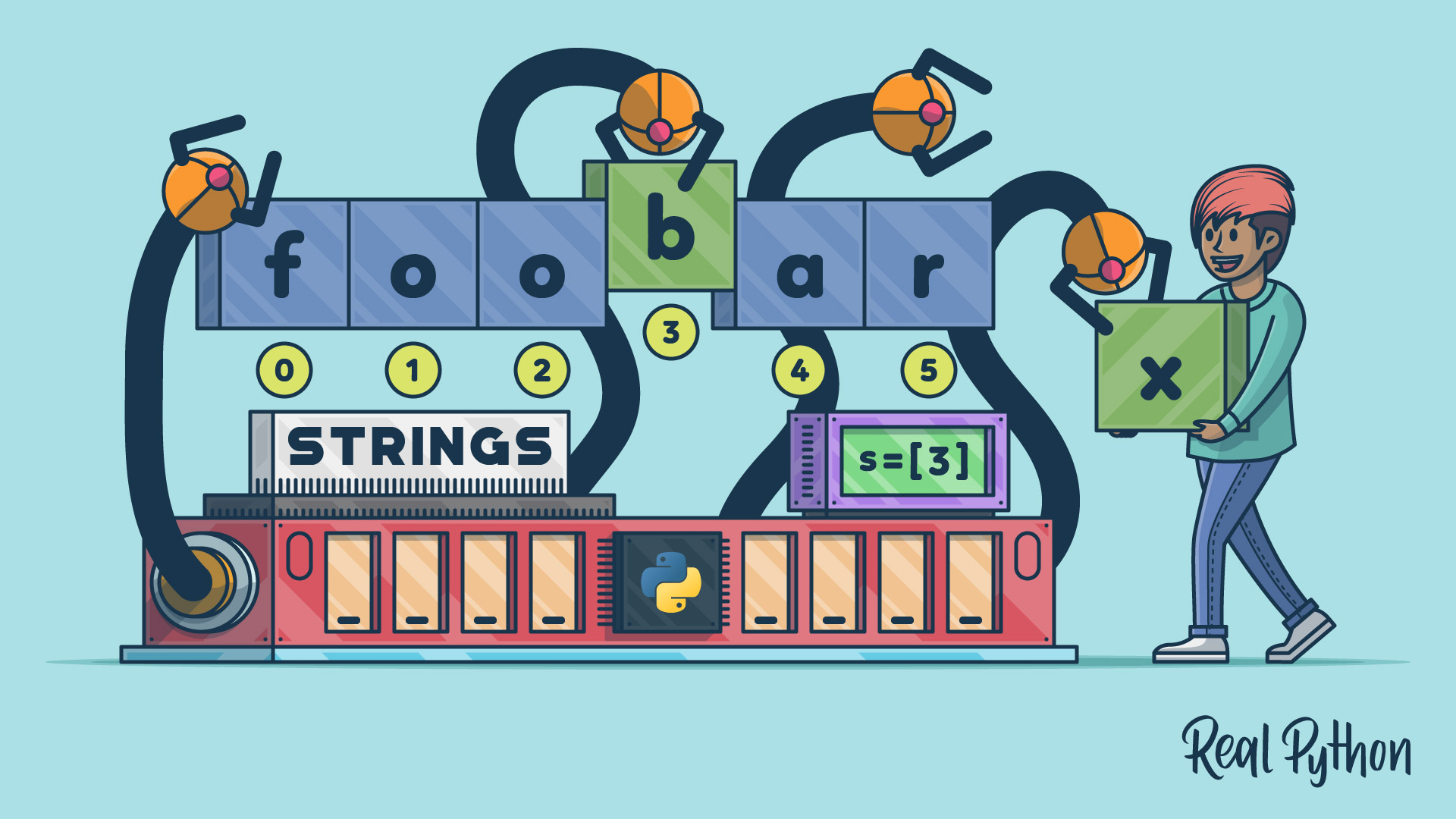
A string is also a sequence, which means that the characters in a string have a consecutive order. This feature allows you to access characters using integer indices that start with 0. You’ll learn more about these concepts in the section about indexing strings. For now, you’ll learn about how to create strings in Python.
Creating Strings in Python
There are different ways to create strings in Python. The most common practice is to use string literals. Because strings are everywhere and have many use cases, you’ll find a few different types of string literals. There are standard literals, raw literals, formatted literals, and, since Python 3.14, template literals.
Additionally, you can use the built-in str() function to create new strings from other existing objects.
In the following sections, you’ll learn about the multiple ways to create strings in Python and when to use each of them.
Standard String Literals
A standard string literal is just a piece of text or a sequence of characters that you enclose in quotes. To create single-line strings, you can use single ('') and double ("") quotes:
>>> 'A single-line string in single quotes' 'A single-line string in single quotes' >>> "A single-line string in double quotes" 'A single-line string in double quotes' In the first example, you use single quotes to delimit the string literal. In the second example, you use double quotes.
Note: Python’s standard REPL displays string objects using single quotes even though you create them using double quotes.
You can define empty strings using quotes without placing characters between them:
>>> "" '' >>> '' '' >>> len("") 0 An empty string doesn’t contain any characters, so when you use the built-in len() function with an empty string as an argument, you get 0 as a result.
To create multiline strings, you can use triple-quoted strings. In this case, you can use either single or double quotes:
>>> '''A triple-quoted string ... spanning across multiple ... lines using single quotes''' 'A triple-quoted string\nspanning across multiple\nlines using single quotes' >>> """A triple-quoted string ... spanning across multiple ... lines using double quotes""" 'A triple-quoted string\nspanning across multiple\nlines using double quotes' Read the full article at https://realpython.com/python-strings/ »
[ Improve Your Python With 🐍 Python Tricks 💌 – Get a short & sweet Python Trick delivered to your inbox every couple of days. >> Click here to learn more and see examples ]


