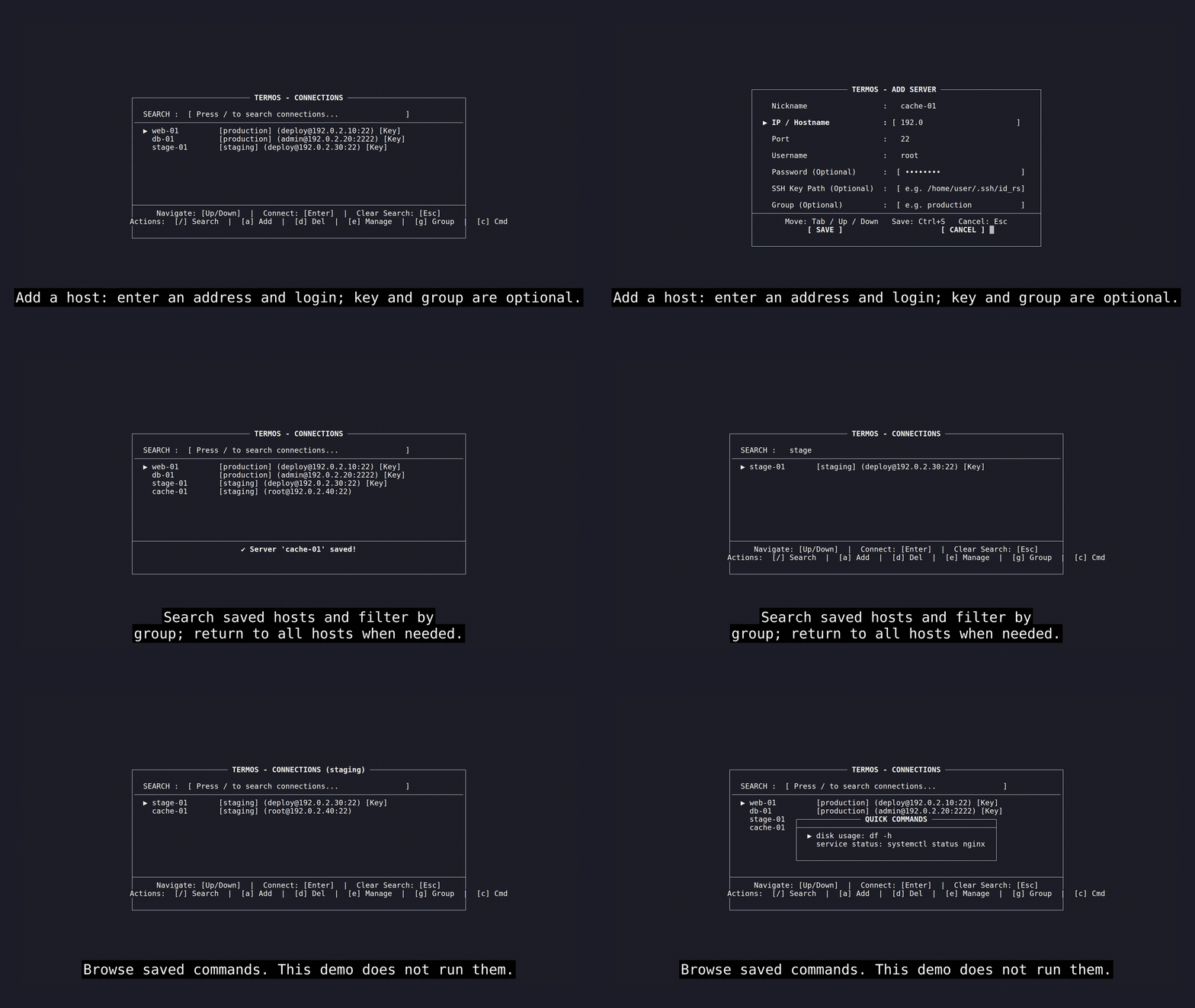
I built Termos to keep my SSH hosts and routine commands in one place on Linux. It’s a Rust terminal UI that uses the system ssh client, with host search, groups, and saved quick commands.
Termos also has a local MCP server over stdio. By default, it runs named commands saved in Termos; arbitrary shell commands require an explicit option. MCP calls can use a one-shot connection or share a persistent session. The current release is for Linux x86_64: GitHub - engnhn/termos: Linux SSH connection manager with a terminal UI and local MCP server. · GitHub
I’d especially like feedback on whether the MCP setup and the two connection modes are clear.
I’ve added a short GIF preview and a full 1080p walkthrough of Termos. The tour covers adding a host, searching and filtering by group, browsing saved quick commands, managing commands from the CLI, and inspecting the default MCP tools over stdio. It uses an isolated sample profile and does not connect to a server or run a remote command.
Watch the full walkthrough · View the GIF and recording details
I’d still appreciate feedback on whether the MCP setup and the difference between one-shot and persistent SSH sessions are clear
1 post - 1 participant


