Hi all. I built Yenpo, a macOS app for reading and reviewing the code changes an AI agent makes while you build a project with it: a single commit, a branch vs main (only the changes since the fork point, or a direct compare), or uncommitted local changes including untracked files. Diffs are inline.
Posting here because the core is written in Rust:
- Rust core in a background process holds the core logic; a native SwiftUI UI sits on top and talks to it over JSON-RPC.
- Language servers over stdio LSP, not bundled. For Rust projects, rust-analyzer has a one-click install (it downloads from GitHub).
- Trust prompt for Rust projects. Opening a Rust project just to read it doesn't run build.rs or proc macros until you mark it as trusted, and you can revoke that later.
I designed the core in Rust so it can go cross-platform later. I started with the Mac because that's where I work every day.
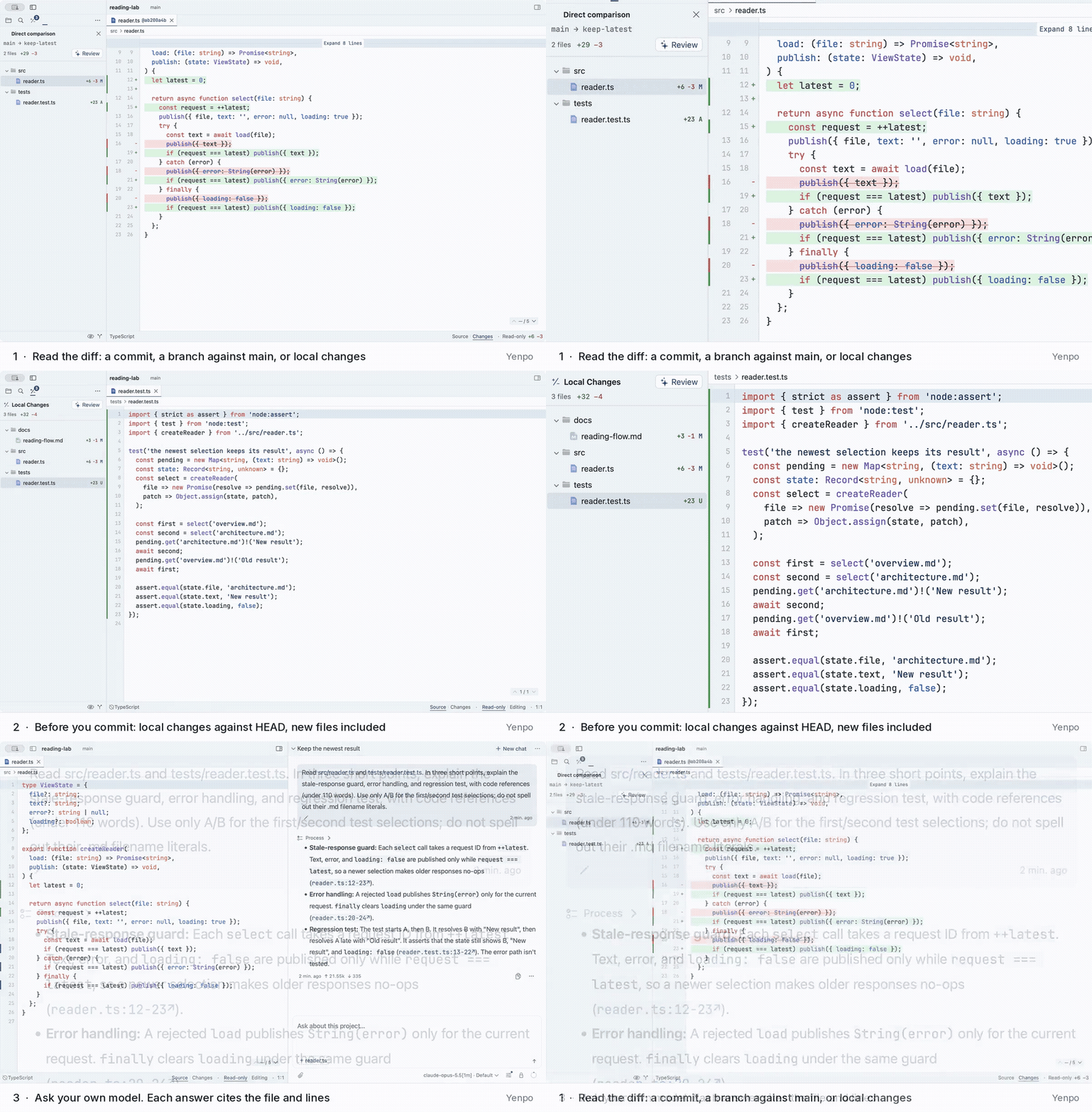
20-second demo: reviewing what your AI agent changed — local changes before a commit, new files included.
It reads your local git repo and doesn't integrate with Claude Code, Codex, Cursor or GitHub. There's an optional AI Reader that uses your own provider; it's read-only by default, and Allow Edits applies only to the next message you send to the AI Reader, then switches back to read-only. No Yenpo account or telemetry; it only goes online for your own AI provider, an optional daily update check, and downloads you start yourself.
macOS 14 or later: Review AI-Generated Code on Mac — Yenpo
I'd appreciate honest feedback, especially from Rust developers: how does reading a large agent diff in a Rust codebase go for you, and what would you want from a tool like this?
1 post - 1 participant


